




A Few Tricks for Productivity With AutoCAD
Here we’ve compiled some tricks that will save you time and make…

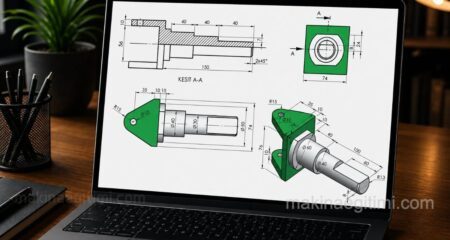
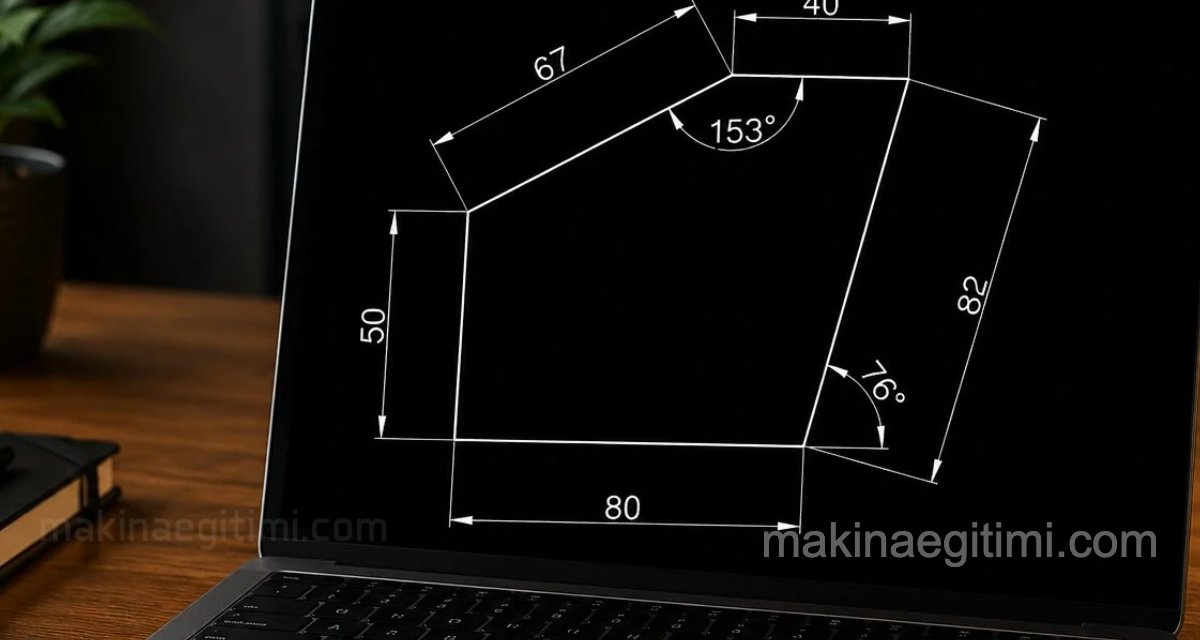
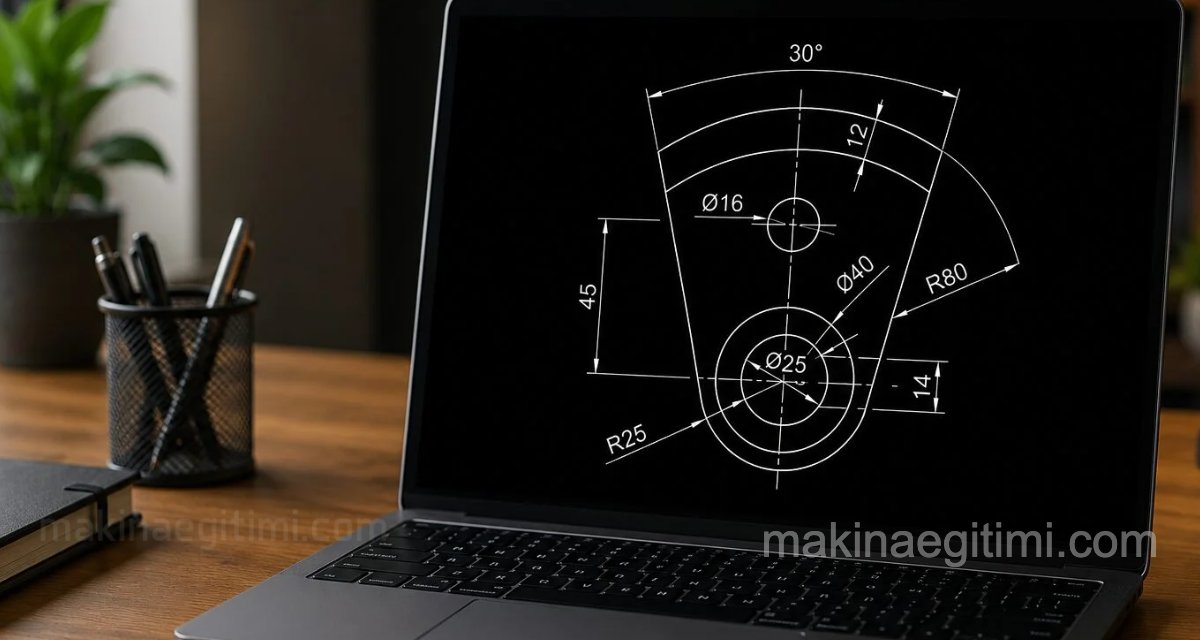
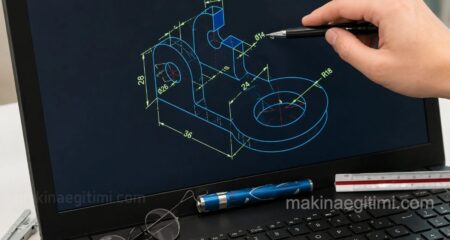
Computer-aided drafting (CAD) is about producing technical drawings with speed and precision in a digital environment. This category is built mainly around AutoCAD: it offers step-by-step drawing exercises starting from basic commands like Circle-Tangent-Trim-Fillet, moving on to duplication and editing commands such as Array, Mirror, and Offset. Advanced techniques are also covered, including adding tolerances, adding datum symbols, and the correct use of Object Snap (OSNAP) options. For those looking to boost performance, you’ll also find settings to speed up AutoCAD and productivity tips. The learning path starts with basic exercises for beginners in computer-aided drafting and moves toward more complex commands as experience builds. It’s a practical, hands-on resource for students who want to bring their technical drawing knowledge into a digital environment.