

In this article, in our technical drawing examples section, we’re sharing entry-level technical drawing exercises and dimensioning practice drawings you can use for AutoCAD and SolidWorks work.
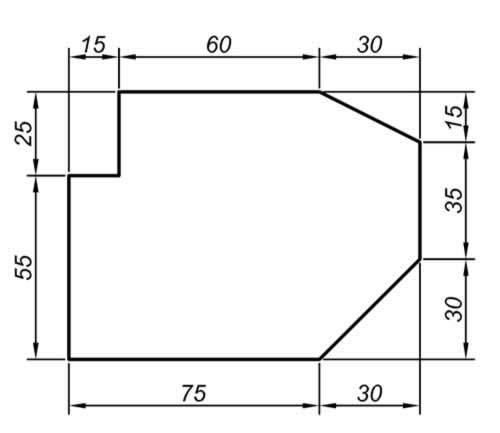
You can use these 2D drawing examples for technical drawing course exercises
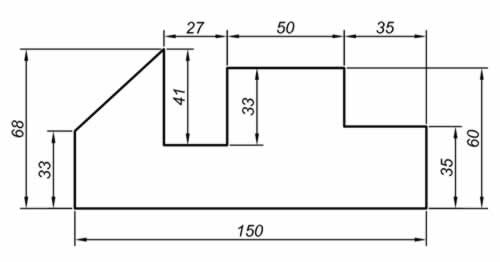
Simple drawings that teachers can use in their technical drawing lessons

Parts your students can draw without difficulty for entry-level practice
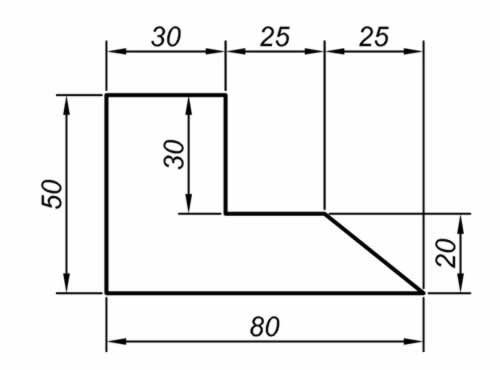
You can also use these for your AutoCAD practice.

Drawings useful for AutoCAD beginner exercises and dimensioning practice

Another drawing useful for practicing the AutoCAD LINE and CIRCLE commands

You can also use this for preparing exam questions.
You can also download the AutoCAD DWG file for these drawings if you’d like.

Technical Drawing Examples AutoCAD DWG File
DOWNLOAD

An example part for practicing the AutoCAD MIRROR, CIRCLE, and TRIM commands.

A dimensioned part drawing suitable for practicing the CIRCLE, FILLET, and ARRAY commands.

A front view drawing of another part that has holes in it
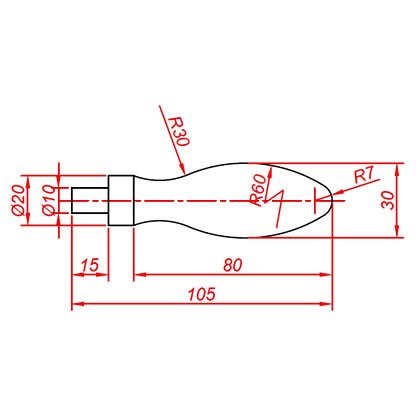
A technical drawing of the kind of handle typically seen on the handwheels of machine tools like lathes and milling machines

A nice example you can use for entry-level exercises.
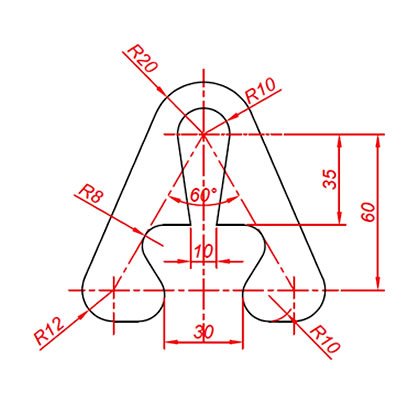
A part drawing suitable for practicing the AutoCAD MIRROR command.

A dimensioned hook drawing. Ideal for practicing the CIRCLE and TRIM commands
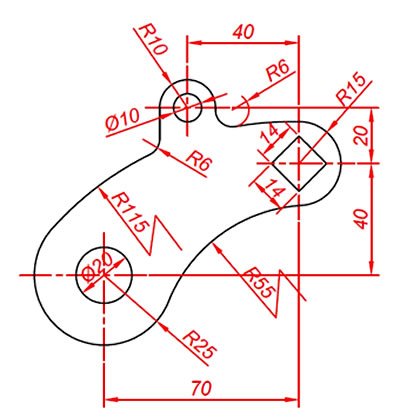
You can also download the AutoCAD DWG file for these drawings if you’d like
Dimensioned Technical Drawing Examples AutoCAD DWG file
DOWNLOAD
Related Posts
 2D Sketch Drawing Examples – Part 4
  Isometric Drawing and View Examples
  AutoCAD Example Drawings 2 – Complex Drawings
  AutoCAD Drawing Exercise 4 – Trim, Offset, Array
  Introduction to Computer-Aided Drawing – Exercise Drawings
  AutoCAD Drawings of Machine Parts
  A Few Tricks for Productivity With AutoCAD
  How to Add Tolerance in AutoCAD. Adding Tolerance