
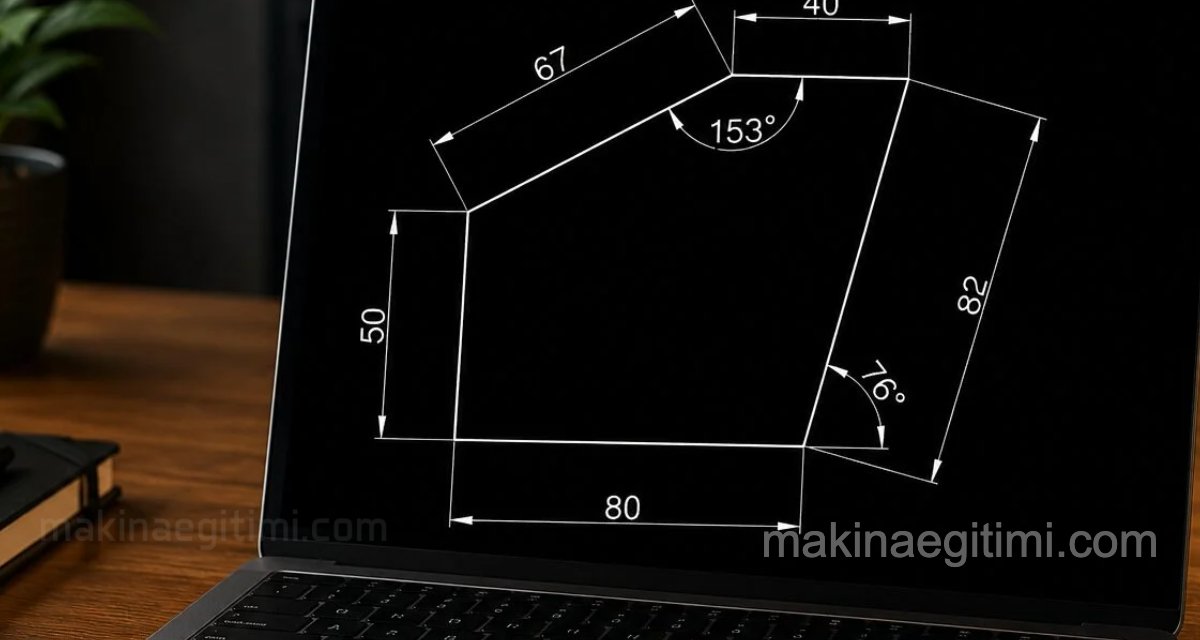
Two-dimensional drawing examples that instructors can use in Technical Drawing, vocational drafting, and, more often, Computer-Aided Design courses, AutoCAD lessons, and CAD-CAM / SolidWorks exams
Students and those just starting to learn AutoCAD can also use these in their own practice


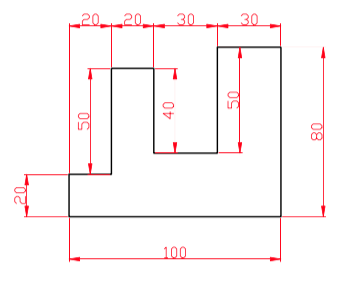

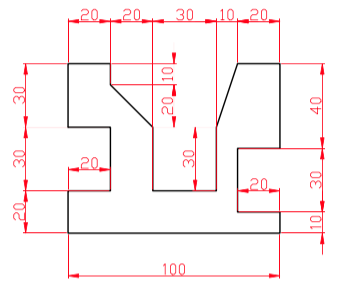


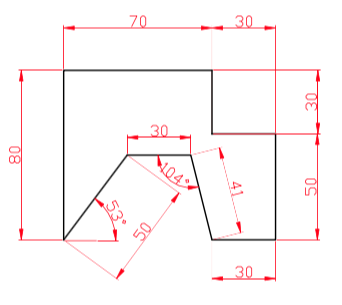


LINE command training drawings, entering length and angle
Dimensioned LINE, CIRCLE, and ARC Command Exercises
Beginner-level examples for drawing a circle tangent to two points with a known radius

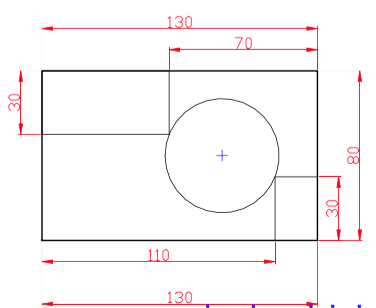


Beginner-level examples for training on chamfer and fillet (radius rounding) drawings on corners:


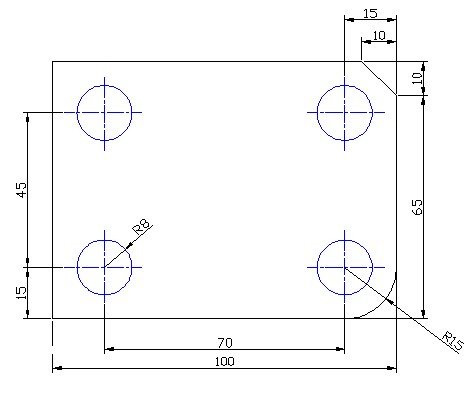

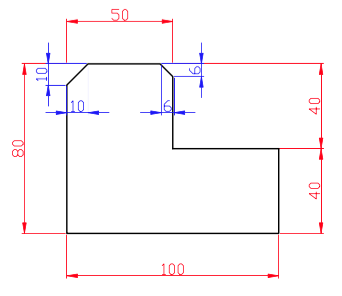
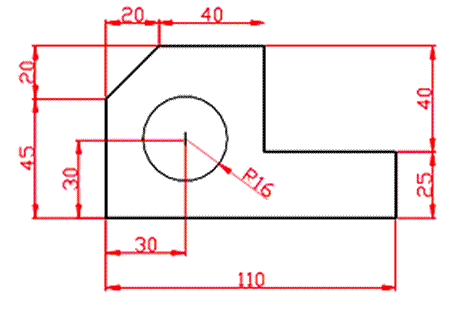
COPY and OFFSET command exercises


Examples for COPY and TRIM exercises:
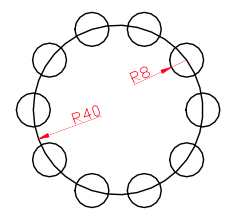
Examples for CIRCLE, circular ARRAY, and TRIM exercises:
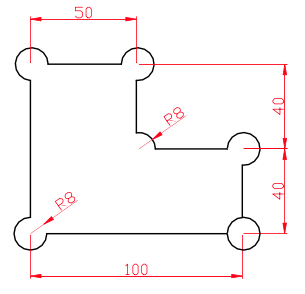

Examples for MIRROR command training exercises:

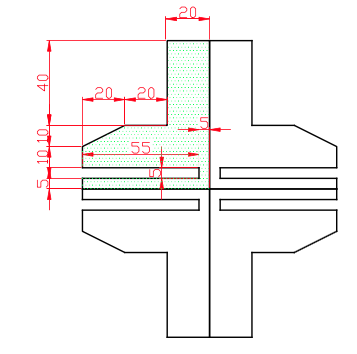
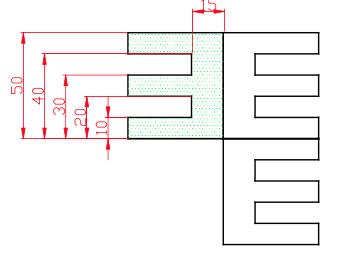
The examples given on this page are for beginner exercises. These are basic examples.
Related Posts
 AutoCAD Drawing Exercise 3 – MIRROR Command
  12 Performance Settings for a Faster AutoCAD
  How to Use the AutoCAD OFFSET Command. Example Drawings
  2D Sketch Drawing Examples – Part 5
  AutoCAD Drawing Exercise – Circle-Tangent-Trim-Fillet
  AutoCAD Example Drawings 2 – Complex Drawings
  AutoCAD Drawings of Machine Parts
  2D Sketch Drawing Examples – Part 4