

SLDPRT is a file extension type that stands for “solid part” file. There is a program for opening SLDPRT files, but it’s also possible to view them without a program.
These types of files are files drawn and saved with a two- or three-dimensional technical drawing program called SolidWorks.
This file extension can be a machine model or part of a model drawn with the SolidWorks program.
If the drawing file is a part of a model, these files are sometimes saved as a single piece as an SLDASM file.
How Is an SLDPRT File Opened?
1-If your computer doesn’t have a program (SolidWorks) capable of opening this file type, you’ll get an “this file doesn’t have an associated program” error when you try to open such files.
2- Or the relevant program is installed on your system, but you may not be able to open it due to a mix-up in the registry settings. Maybe without realizing it, you tried to open the file with another program and ended up authorizing that program for this file type on your system. If you’re sure SolidWorks is installed on your system, right-click the file and try the “open with” menu.
What Is the Program for Opening SLDPRT Files?
The program for opening SLDPRT files is the program called SolidWorks. This program is designed to create two- and three-dimensional technical drawings.
How Can I Get the SolidWorks Program?
You can get the SolidWorks program from http://www.solidworks.com, or for Turkey, from http://solidworks.com.tr.
Worth noting, it’s quite expensive software.
Can I View SLDPRT Files Without Installing a Program?
Even though there are some software options for viewing SLDPRT files, there’s a risk of visiting various sites to download them and either damaging your system or wasting time installing and uninstalling a bunch of programs. So, without getting into those, meaning without touching programs claiming to be an SLDPRT-opening program that we don’t actually know anything about, we’ll go straight to recommending the most reliable and safe way:
But keep in mind, you can’t modify your original file this way. All you can do is view it. If your goal is to show a drawing you’ve prepared to a friend, or if you’re an instructor wanting to show students the front, top, and side views of 3D drawings for perspective training, this site will be quite useful for you.
Related Posts
 3D-Print-Ready Cat & Mouse Automaton Toy
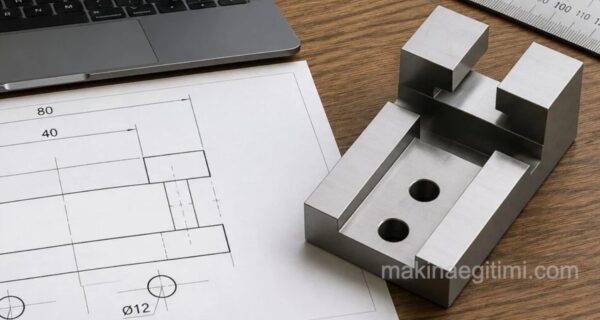 SolidWorks Sample Solid Model Drawing -3 / Video + Document
 SolidWorks Assembly Drawings – Live (Rotating) Center
 SolidWorks Assembly Work – Transmission System
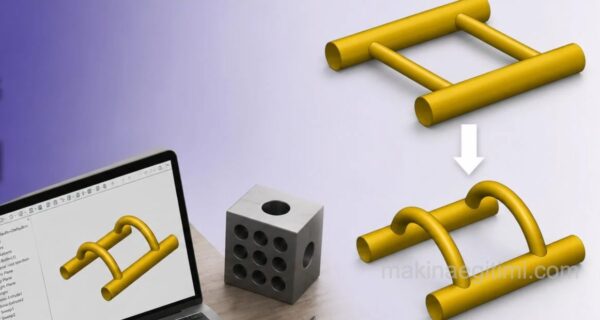 How Was It Made in SolidWorks – 1
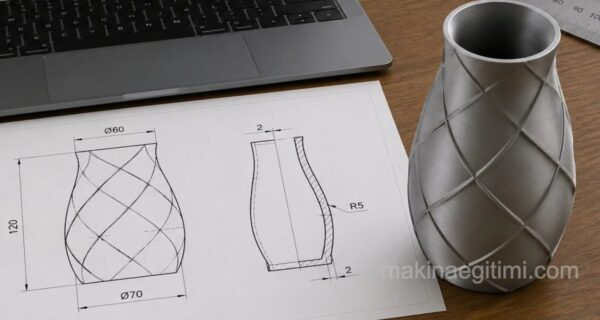 SolidWorks Solid Model Exercise-5 / Loft and Shell
 SolidWorks Assembly Drawing Examples – Stuffing Box