
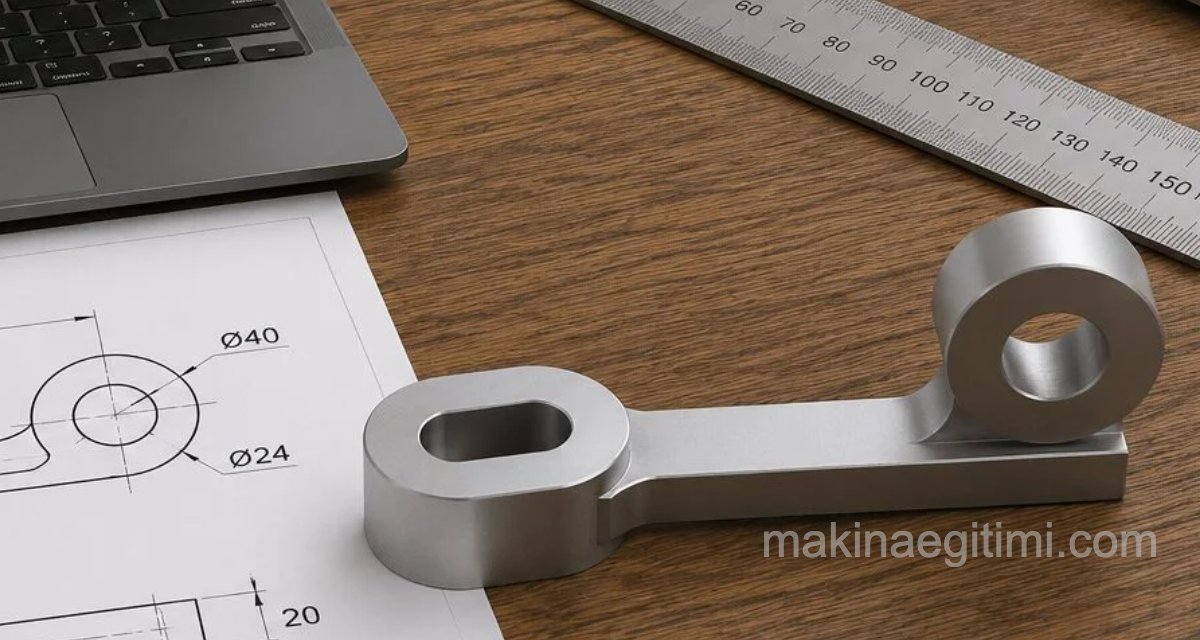
Suitable material, video, and illustrated walkthrough for SolidWorks solid modeling practice. A medium-difficulty practice part that can be drawn by starting sketches on the top and front planes.
Related Documents and Materials

Above is the dimensioned isometric perspective view of the practice part. You can click the image to enlarge it.
Alongside, the same part’s perspective view and 3 orthographic views are given. It’s provided in PDF format with a ready-made title block, suitable for use as a classroom exercise.

Video Walkthrough
Illustrated Walkthrough

We start our drawing by opening a sketch on the top plane and drawing the shape above. We can create the elliptical shape on the left using the SLOT and OFFSET 2D sketch commands — by drawing one of the slots and then offsetting it 15 mm.

Next, we use the Boss-Extrude command to give the elliptical slot a height of 35 mm. While doing this, in the menu that opens on the left, we select MID PLANE under DIRECTION 1.

Then, again using the MID PLANE option, we give the section shown in red in the image above a thickness of 10 mm.

In the next step, we start a sketch on the front plane and create the shape shown above. Then we apply Boss-Extrude to the section shown in yellow. Thickness is 10 mm. Let’s again select MID PLANE.

Next, using the Boss-Extrude command, we give a thickness of 30 mm between the large and small circles shown in yellow above.
NOTE: In the extrude options, let’s again select mid plane.

If we haven’t made any mistakes along the way, our solid model will look like the one above. You can check the video for details.
Related Posts
 3D-Print-Ready Cat & Mouse Automaton Toy
  SolidWorks 3D Simple Exercise 1
 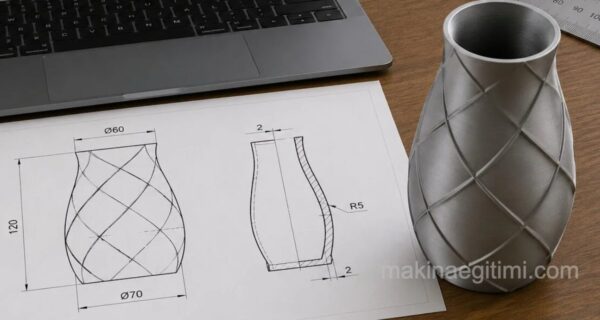 SolidWorks Solid Model Exercise-5 / Loft and Shell
  AutoCAD Solid Model Examples
 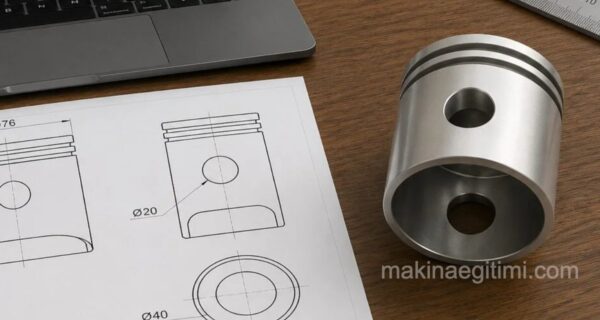 SolidWorks Solid Model Exercise-9 SolidWorks Assembly Drawings – Bevel Gear System
  AutoCAD 3D Drawing Exercise Example. Step-by-Step Guide
  SolidWorks Assembly Drawing Examples – Stuffing Box