
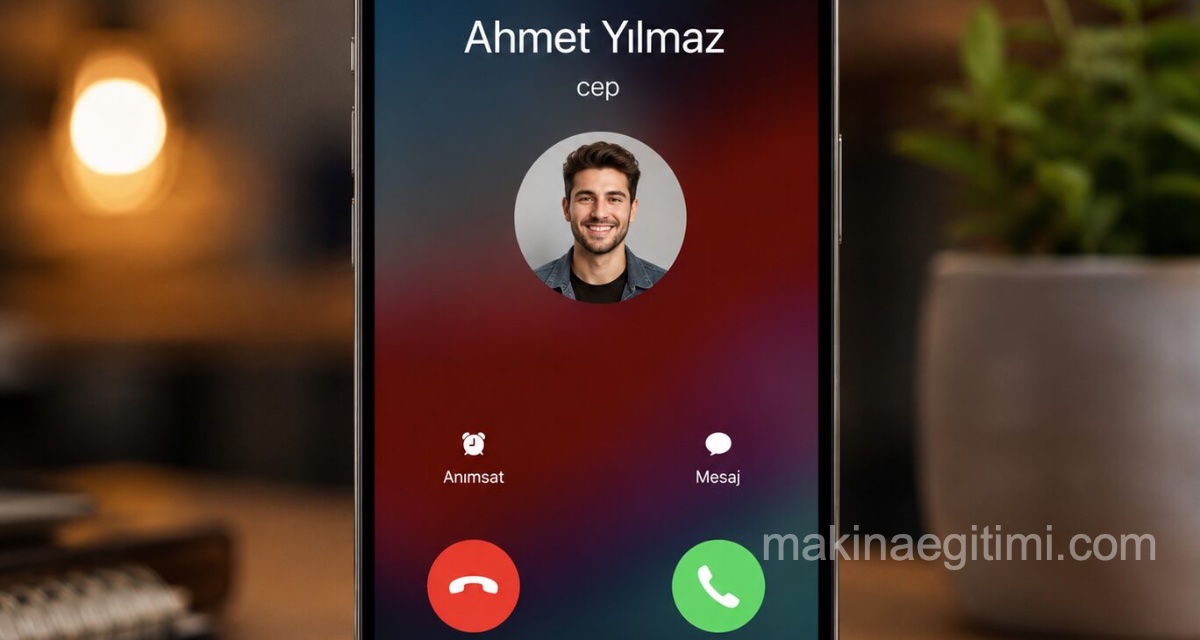
In this article, we’ll cover the best apps you can use to record calls on iPhone. If you’re curious about iPhone call recording apps and their features, keep reading.
Since iOS disables apps’ ability to record audio while a call is active, you need to use a third-party app to record calls on your iPhone. Some route calls through a third phone number for recording, while others support voice calls on their own cloud platforms. Here are the best call recorder iPhone apps available.
The Easiest iPhone Voice Recording App: Skype
Microsoft’s Skype offers a variety of phone-related features, but one of the best is the ability to start recording a call instantly by tapping a button in the same app you’re making the call from.
This feature is limited to voice calls made between two or more Skype accounts, rather than phone numbers, but it’s completely free, can be quickly activated once the call has started, and the recording becomes downloadable for all parties on the call for 30 days.
✅ Pros:
- Video and voice calls can be recorded on iPhone.
- All recordings are automatically backed up online and downloadable.
❌ Cons:
- Recording is only available for Skype-to-Skype calls.
- Recorded calls must be downloaded within 30 days.
The 30-day limit may be annoying to some, but you can download the file to your iPhone as many times as you want before the deadline to share or edit it, and then use it for whatever you want for as long as you want. Using Skype is definitely one of the most popular methods for recording calls on iPhone — so much so that many podcasters even use it to record podcast episodes.
The Most Popular iPhone Call Recording App: TapeACall
TapeACall has earned a reputation as the go-to app for anyone wanting to record phone calls on iPhone. It gets around Apple’s audio recording restrictions by creating a three-way voice call between your contact, yourself, and their servers, which record the call and later send it to you as a download.
✅ Pros:
- Supports many regions around the world.
- Very little user interface needed once it’s set up.
❌ Cons:
- Aggressive advertising of the premium subscription on launch.
- The price for a year of full access can feel expensive.
A 6-day free trial is available to test the call recording feature, but you have to make a call the first time you open the app.
If you try to read more about how the app works from the welcome screen, the free offer disappears, and you’ll need to delete and reinstall the app for the free offer to appear again.

Call Record
✅ Pros:
- The transcription feature is a great extra.
- Nice, clean, professional-looking app interface that’s easy to use.
❌ Cons:
- The call-to-text transcription feature is quite expensive.
- Each screen can take a bit of time to load.
Call Record is an iPhone app for those who want to record both audio and text. It relies on the No Notes website and service, and lets you record all your phone calls on an iPhone. It also offers an additional transcription service that can be requested while making a call or later while listening to the recording.
Legal Status
In Turkey, recording a call is generally legal when done by a person party to the conversation, but sharing it with third parties is restricted.
iOS Restriction
iOS doesn’t offer a built-in call recording feature for privacy reasons; this is why third-party apps or external devices are used.
Cloud Storage
Most call recording apps solve the storage problem by keeping recordings in the cloud instead of on device storage.
iPhone Call Recording: RecMyCalls
RecMyCalls does exactly what it says. Once set up, it records phone calls between multiple people, and can also be used as a voice recorder if you want to record a personal message for later reference.
✅ Pros:
- A one-week free trial is available and gives you access to all features.
- Dark Mode support and a lot of support information in the app.
- Numerous guides and support links in the app.
❌ Cons:
- Requires in-app purchases to record.
- Prices can go up to $50 depending on your needs.
This app charts a good path for those wondering how to record voice calls on iPhone, because it has numerous guides, walkthroughs, and animated demos built right into the interface, fully explaining all its features. RecMyCalls requires a monthly subscription, but it’s not more expensive than its competitors.
Google Voice
Google Voice is a service from Google that provides a phone number you can forward to your regular phone, or access through your computer or smart device. One of its many features is the ability to start recording incoming phone calls by tapping 4 after answering.
✅ Pros:
- Notifies the listener that recording is about to start.
- Recording is easy to enable through the Google Voice website.
❌ Cons:
- Can only record incoming phone calls.
- You need to create a Google Voice account to use it.
Watch out for scam calls trying to take advantage of people who use Google Voice numbers.
Since all recordings are made by Google in the cloud and then made available to you, you’re technically not recording on your iPhone. Google Voice lets you record all the calls you receive on your Google Voice number to your iPhone, and that’s really what matters. Unfortunately, you can’t record calls you make to others, so if you want to record someone, you’ll need to ask them to call you back.
RecMe
✅ Pros:
- Very easy to use, with good app design.
- Updated very regularly.
❌ Cons:
- Forwarding numbers are only available for the US, UK, Canada, Brazil, and Malaysia.
- Relatively expensive.
RecMe works in almost the same way as several other iPhone call recording apps on this list, and has a solid, easy-to-use app design for beginners.
Voice Memos
While the number of iPhone apps that can record a phone call made on the same device keeps growing, it’s also possible to record a call by putting the person on speaker and simply recording the entire conversation with a second device.
✅ Pros:
- Doesn’t require any additional app or membership.
- Easier for many people.
❌ Cons:
You need an extra device to record your iPhone phone calls.
Apple’s restrictions prevent you from using the preloaded, free Voice Memos app to record calls on the same iPhone, but there’s no way to stop it from recording sound made by another iPhone.
You can also use the audio recording feature in any other app, like Microsoft OneNote, for this iPhone call-recording trick.
All you need to do is open Voice Memos on an old iPhone, iPod touch, or iPad you have lying around, and then tap the red Record button.
Related Questions
For security and privacy reasons, iOS doesn’t let apps record audio directly during a call. That’s why apps that want to record get around this restriction by routing the call through their own systems.
Skype’s recording feature can only record calls that pass through its own infrastructure. Since a call made with a regular phone number doesn’t use this infrastructure, the recording feature is limited to Skype-to-Skype calls only.
Related Posts
 Phone Not Charging: 6 Checks Before You Go to a Repair Shop
  WhatsApp Notifications Arriving Late: The Samsung and Xiaomi Fix
  The 10 Best Apple Watch Apps
  Why Does My Phone’s Battery Drain So Fast? 5-Step Fix
  “Storage Full” Warning: 6 Ways to Free Up Space Without Deleting Photos
  What to Do When Your Phone Falls in Water? The Right Method (Not Rice)
  Lesser-Known Voice Assistant Commands That Make Life Easier (Siri, Google Assistant)
  Reducing Phone Ads Without Downloading an Ad Blocker App