

Fusion 360 and AutoCAD are CAD programs created by Autodesk. Although they’re comparable software from the same company, they have very different working principles and methods. Fusion 360 focuses on 3D modeling and manufacturing, while AutoCAD’s roots are in 2D modeling. Both programs are available for Windows and MacOS.
Fusion 360 – Intended Use
Fusion 360 is for modeling the parts and assemblies of a single machine; it’s not suitable or practical for large projects like buildings. Fusion 360 is for mechanical modeling and has tools for solid modeling.
Fusion 360 has tools for CAM, simulation, and animation. It’s a tool widely used especially by hobbyists and by engineering, CNC, 3D printing, and industrial design professionals.
Fusion 360 Cloud Integration
By storing designs in the cloud, Fusion 360 enables real-time collaboration in team work.
AutoCAD’s 2D Drafting Strength
AutoCAD is considered the industry standard, especially in 2D technical drafting and architectural projects.
Parametric Modeling
Thanks to its parametric modeling capability, Fusion 360 automatically propagates changes to design dimensions across the entire model.
AutoCAD – Intended Use
Unlike Fusion 360, AutoCAD’s working model is a bit different. AutoCAD has both 2D and 3D modeling options, but 3D is used mostly for visualization purposes, and all modeling and dimensioning is done in the 2D environment.
Today, even though this was its original purpose, AutoCAD is used for far more than just mechanical design. It has dedicated tools for architecture, interior design, mechanical, civil, and electrical engineering, as well as manufacturing.
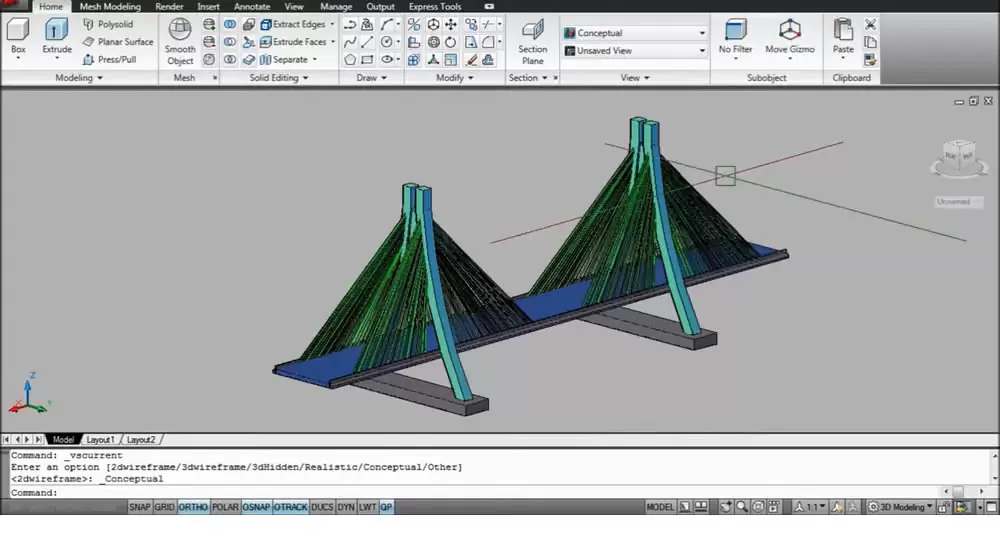
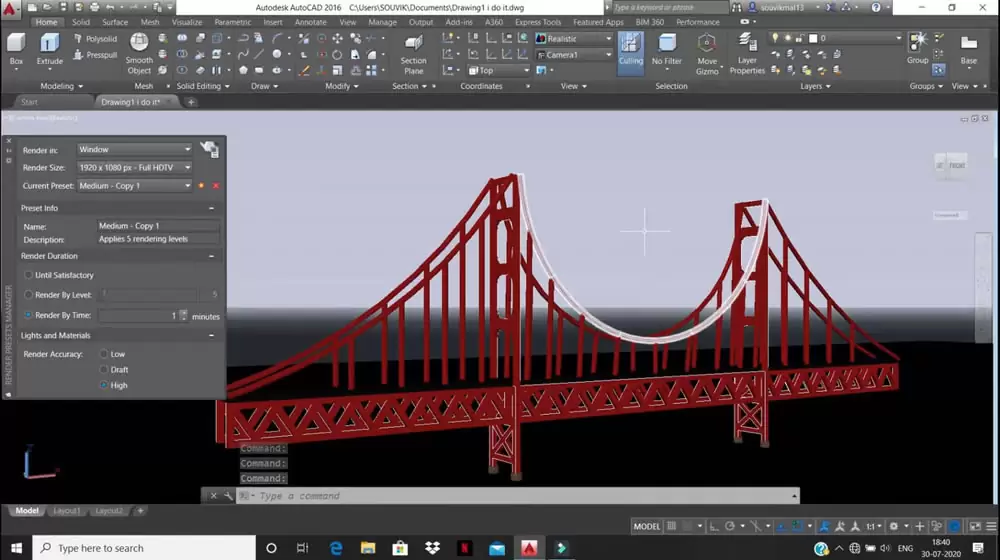
Fusion 360 – requirements
- Operating system: Windows 8.1 or 10 (64-bit); MacOS Mojave 10.14, Catalina 10.15, or Big Sur 11.0
- Memory: At least 4 GB RAM
- Storage: At least 3 GB of disk space
AutoCAD – requirements
- Operating system: Windows 10 (64-bit); MacOS Mojave 10.14, Catalina 10.15, or Big Sur 11.0
- Memory: At least 8 GB RAM (16 GB recommended for Windows)
- Storage: At least 10 GB of disk space (4 GB for installation; 6 GB for data processing)
Both programs are very complete in the tools they offer; they simply serve different purposes.
AutoCAD costs more, but in return you also get a broader range of functionality. With a single subscription you get core AutoCAD and toolsets for Mechanical, Architecture, MEP, Map 3D, Plant 3D, and Raster Design, as well as mobile and web apps. It’s used especially for architecture and civil engineering work, by both professionals and people just starting to learn. Ultimately, AutoCAD is generally the preferred choice for professionals — especially in architecture, electrical engineering, and interior design — working on industry-level designs.
Fusion 360 is more affordable (and also has a limited free version for non-commercial users), yet it still offers comprehensive tools for 3D modeling, drafting, simulation, animation, CNC woodworking, and even 3D printing. Because of this, it’s widely used by hobbyists, 3D printing enthusiasts, independent design businesses, and people learning mechanical design.
Related Questions
AutoCAD was fundamentally developed for 2D technical drafting and architectural projects. Fusion 360, on the other hand, is oriented toward 3D mechanical part design, solid modeling, and manufacturing; that’s why the two serve different needs.
Since designs are stored in the cloud, team members can access and modify the same project simultaneously from different locations. This enables real-time collaboration without having to pass files back and forth.
Related Posts