
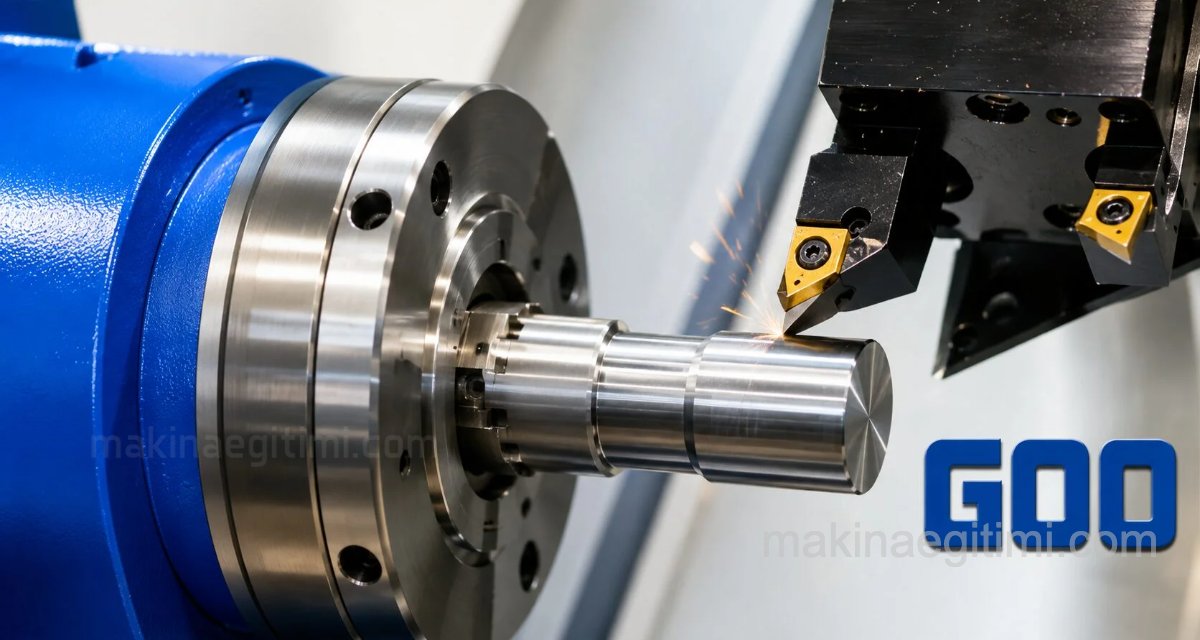
In the Machine Technology Education CNC Lessons section, we’ve dedicated this post to the G00 code, one of the preparatory function codes. We’ll see what the G00 code is used for and where it’s used. We’ll take a look at a sample use of the G00 CNC code.
G00 Speed
The G00 command moves at the maximum speed the machine allows (rapid traverse); this speed is typically between 10-30 meters per minute.
No Cutting Occurs
The tool must not contact the material during G00; the command is used only for positioning, not for material removal.
Collision Risk
G00 moves may not be linear; it’s recommended to check for collisions using toolpath simulation.
The G00 Code
The rapid linear positioning command moves to the target point by the most direct route at rapid speed. The G00 command is used to reduce idle time during periods when no cutting is taking place.
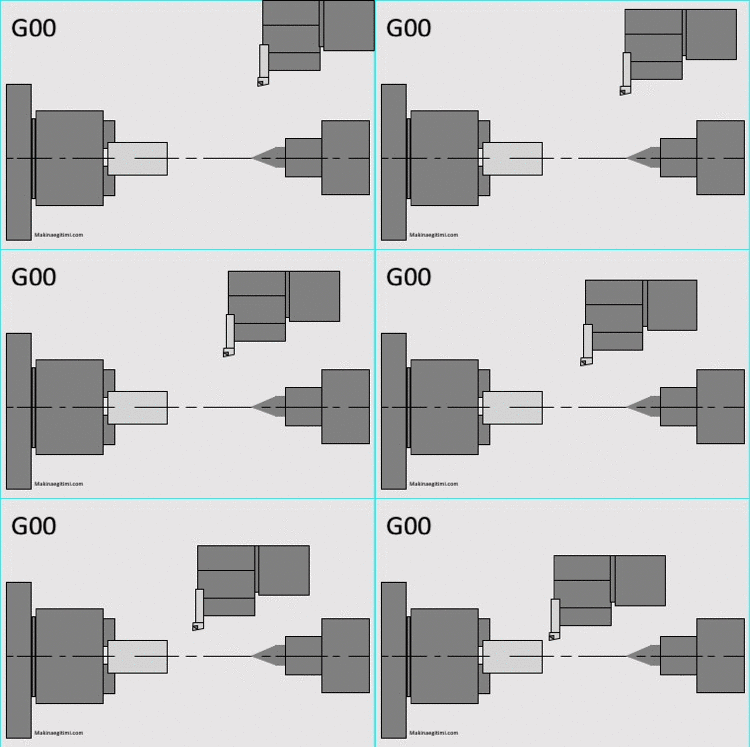
How Is the G00 Code Used?
G00 X….. Y…..
X,Y = Coordinate values of destination point B
The CNC code expression for the operation shown alongside:
N1234 G00 X25 . Z5.

Related Documents:
Related Questions
G00 moves at the highest speed the machine allows, without any intent to cut. If the tool contacts the material at this speed, the tool can break and the part can suffer serious damage.
On some control systems, G00 may move the axes at different rates rather than simultaneously to find the fastest path, which can result in an unexpected path being followed. For this reason, it’s recommended to check the program for collision risk with a simulation beforehand.
Related Posts
 CNC Lathe G84 Tapping Cycle Explained
  CNC Lathe Setup Instructions
  Mechanical Clamping Elements on Machine Tools
  G75 CNC Grooving Cycle Code Explained
  Fanuc CNC Error Codes – Fanuc Fault Codes
  CNC Milling Programming Examples
  Powering On a Fanuc CNC Lathe. How Is a CNC Lathe Powered On
  What the Keys on the CNC Milling Control Panel Mean