
Almost every month, some company’s database gets leaked. LinkedIn, Adobe, Canva, even some banks have suffered data breaches in the past. In these leaks, millions of users’ email addresses, passwords, and sometimes identity information end up online. The problem is that most users never check whether their own information is on these lists, simply because they don’t know such a thing is possible.
Yet doing this check is free and takes just a few seconds.
What Is Have I Been Pwned, and How Do You Use It
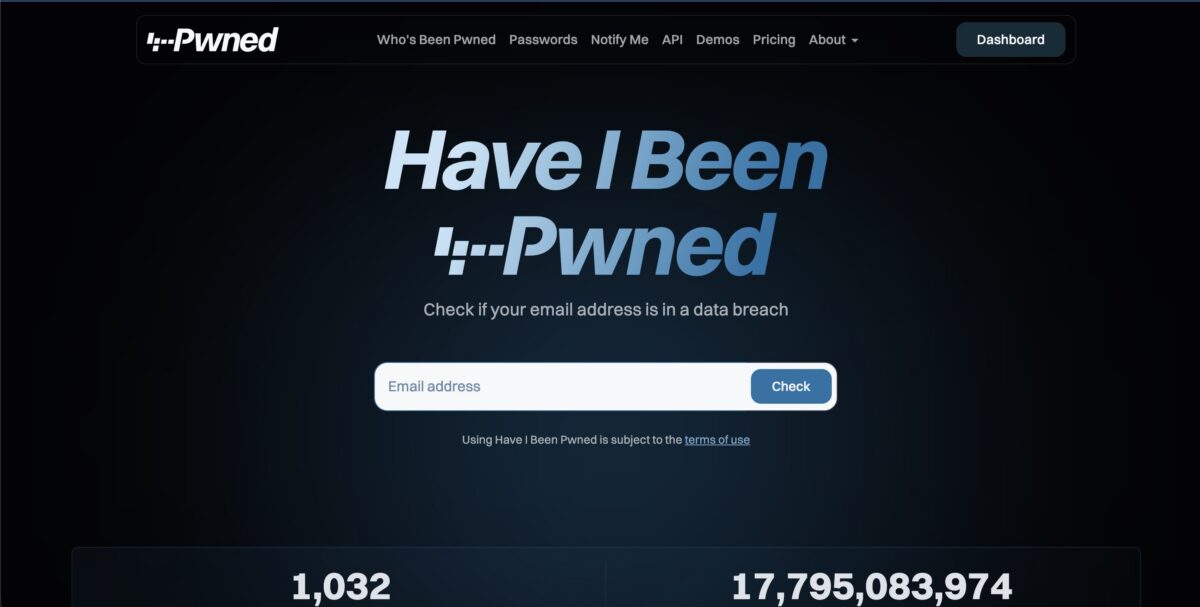
Have I Been Pwned (haveibeenpwned.com) is a free service founded by security researcher Troy Hunt that maintains a database of known data breaches worldwide. When you go to the site and type in your email address, it shows you which breaches that address appears in, and which of your information (password, phone number, address, etc.) was exposed.
Here’s how to use it:
- Go to haveibeenpwned.com.
- Type your email address into the search box.
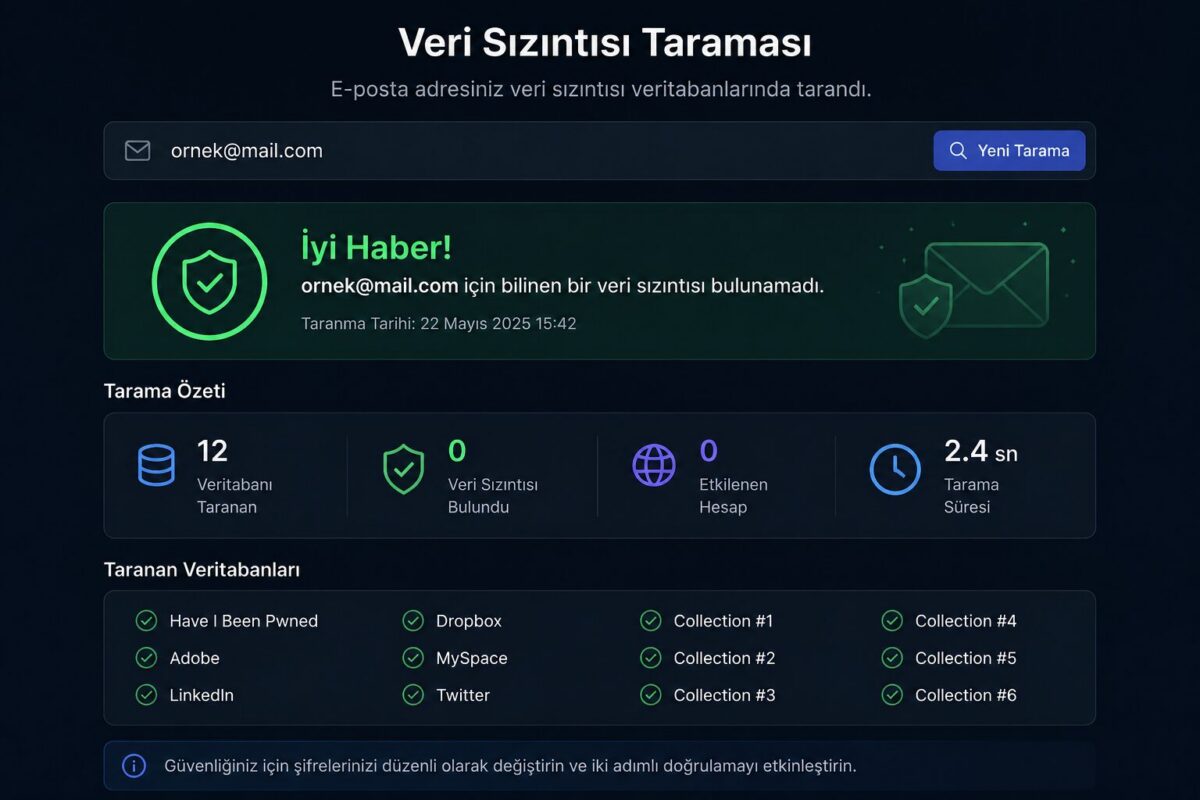
- If it comes back “pwned,” it lists which sites you were leaked in and when.
- If you see the message “Good news, no pwnage found,” it means there’s no known breach associated with that address.
The site also offers a free notification service. If you register your email address in the “Notify me” section, it will automatically email you if your address shows up in a new breach in the future.
Your Browser Already Has a Built-In Check
Most people don’t know this, but browsers like Google Chrome and Firefox automatically compare your saved passwords against known breach lists.
For Chrome users:
- Go to the “Passwords and Autofill” section in Chrome settings.
- Open “Google Password Manager.”
- Click the “Password Checkup” option.
- The browser scans all your saved passwords and shows which ones may have been involved in a breach, which are weak, and which are reused across multiple sites.
Firefox users can access a similar service through Firefox Monitor (monitor.firefox.com).
This feature matters because a breach check doesn’t just satisfy the curiosity of “was I hacked” — it also shows you concretely which accounts of yours are at risk.
What to Do If You Find a Breach
If your email or password shows up in a breach, there’s no need to panic, but there are a few steps you shouldn’t skip.
- Change your password on the affected site immediately.
- If you use the same password on other sites, change it there too. Password reuse is the biggest mistake that spreads the impact of a single breach across dozens of accounts.
- Turn on two-factor authentication (2FA) wherever possible.
- Start using a password manager, so you don’t have to come up with a separate, complex password for every site yourself.
Frequently Asked Questions
The site doesn’t store the email addresses you enter; it only uses them for comparison. It’s a free, trustworthy resource that’s widely cited in the security community.
It might be an account you signed up for years ago and forgot about. Still, if you’ve used that same password elsewhere, it’s a good idea to change those passwords too.
Yes. In some major breaches, information beyond just email — such as phone number, address, and date of birth — can also be included. Have I Been Pwned indicates this by showing exactly which types of data were exposed.
A one-time check isn’t enough. Signing up for the notification service is more practical than repeatedly visiting the site yourself, since it automatically alerts you whenever a new breach occurs.
Related Posts
 How to See Where a Link Really Goes Before You Click
  10 Zoom Etiquette Rules You Should Know
  How to Tell If a Photo Is Real or Fake
  The Issue of YouTube Videos Lowering PageSpeed Insights Scores
  Incognito Mode Isn’t as Private as You Think
  There Is a Way to See a Deleted Web Page Again
  Your Photos May Be Revealing Your Home Address
  How to Get Rid of Spam Without Ever Changing Your Email Address