
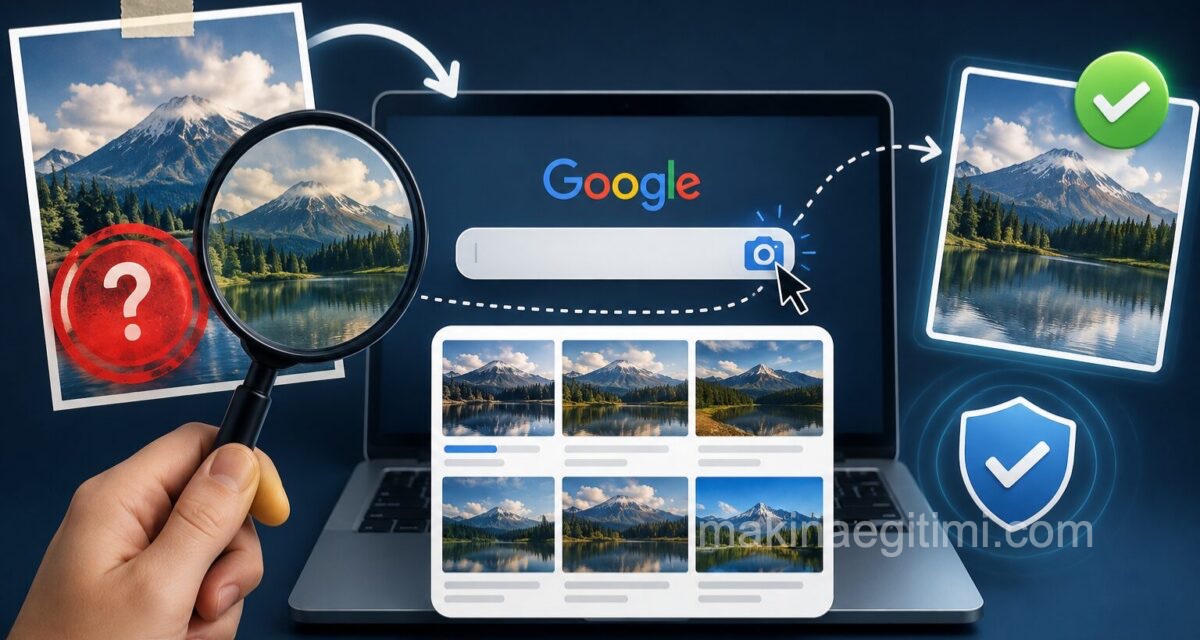
A profile you come across on a dating app looks a little too perfect. A seller’s product photo on a secondhand marketplace looks like it was pulled straight from a catalog. A photo shared as “our company team” in a job listing looks familiar, but you can’t quite place where you’ve seen it.
There’s a way to investigate these suspicions using the photo itself, not just words: reverse image search. Just like typing text into Google, you can ask Google “where have you seen this before” using an image.
How to Do It on a Computer
Using Google Images:
- Go to images.google.com.
- Click the camera icon in the search box.
- Upload the photo you’re suspicious of, or paste the photo’s link.
- Google lists where the same or a similar image has been used online.
A faster method in Chrome: You can right-click an image on a web page and use the “Search Image with Google” option. This automatically uploads the image and shows the results in a side panel.
How to Do It on a Phone
On your phone, you can use the Google app or Google Lens.
- Open the Google app and tap the camera icon in the search box.
- Select a photo from your gallery, or point Lens directly at an image on the screen.
- Among the results, you can see where else the image has been used.
To try this on a photo from Instagram or a dating app, you’ll first need to take a screenshot of the photo and upload it from your gallery.
What Kinds of Results Should Raise a Red Flag
The following situations in your reverse image search results should catch your attention:
- The same photo showing up under a completely different name, on a social media account in a different country
- The photo appearing on a stock photo site (such as Shutterstock or Pexels) or on a modeling agency’s page
- A product photo in a sale listing being identical to the promotional image on the manufacturer’s official website. This alone doesn’t necessarily mean fraud, but it can be a sign that you should question whether the seller actually has the product in hand
- A photo shared in a news story as being “from the scene” that actually turns out to have been taken years earlier, in a completely different event
The Limits of This Method
Reverse image search shows whether a photo has existed online before. If the photo genuinely belongs to that person and has never been shared anywhere before, the search may return no results. In that case, getting “no results found” doesn’t necessarily mean the photo is definitely genuine — it just means it hasn’t been detected anywhere else before.
Frequently Asked Questions
No. Google Images and Google Lens are completely free. Alternative sites such as TinEye also offer free usage.
Google may keep images uploaded for search purposes in a short-term cache, but it does not publish the image publicly. Still, it’s a safer approach to avoid uploading sensitive or private photos this way.
No. It can also be used for product photos, news images, real estate listing photos, and even to check whether a screenshot really comes from the source it claims to.
No. No results simply means the photo may not have been indexed before. This alone isn’t a guarantee — you should also consider other warning signs.
Related Posts
 Was Your Email or Password Stolen? Find Out in 10 Seconds
  The Issue of YouTube Videos Lowering PageSpeed Insights Scores
  How to See Where a Link Really Goes Before You Click
  Your Photos May Be Revealing Your Home Address
  10 Zoom Etiquette Rules You Should Know
  There Is a Way to See a Deleted Web Page Again
  How to Get Rid of Spam Without Ever Changing Your Email Address
  Incognito Mode Isn’t as Private as You Think