

Computer-aided design, also known as CAD (Computer Aided Design), refers first and foremost to the use of software to create, edit, and define various designs that can later be put to a wide range of uses. If you don’t know what CAD is and the benefits it offers, here are the right details to help you.
The Core Benefits of CAD
Below are some of the important advantages of using CAD software .
Reduction in the error rate
Since CAD software uses some of the best tools available, the error rate caused by manual design is significantly reduced.
Reduced effort
When it comes to the amount of effort required to design different models, this is significantly reduced because the software automates most of the task.
Time Savings
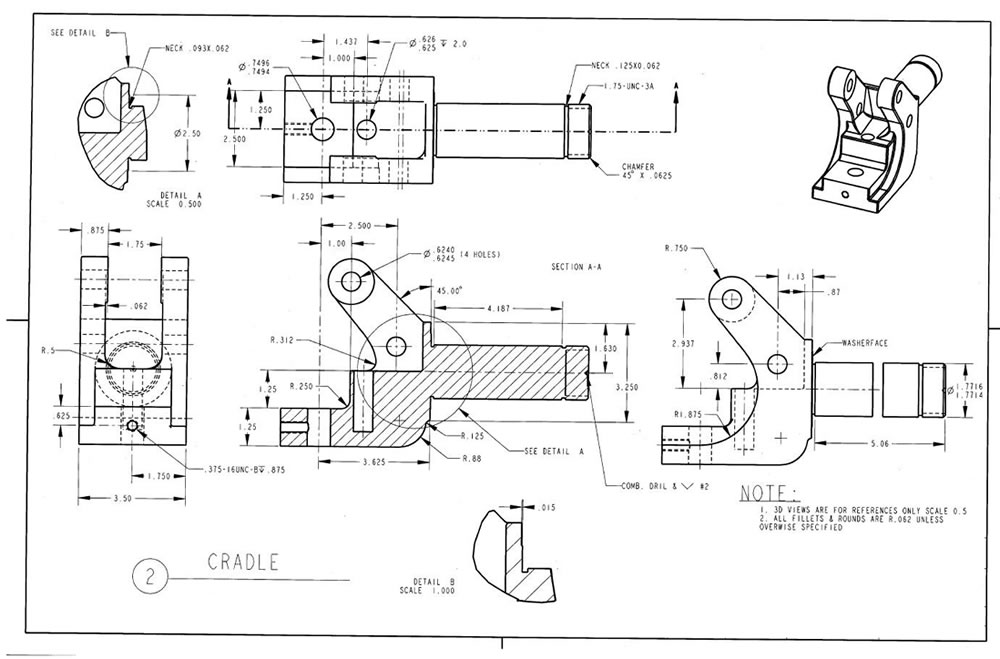
Using computer-aided design software saves time and lets you produce better, more efficient designs in a shorter time. For example, in AutoCAD, you can use the OFFSET command for repeating parallel lines. You can easily create shapes that repeat at fixed intervals with the ARRAY command. You can create hatching with a single click using the HATCH command. When drawing the complete assembly of a complex machine, instead of drawing every bolt and nut individually, over and over, you can pull them from a library and place them in the correct position.
Ease of Editing
You may need to make changes while designing. When you use computer-aided design software, making any change is much easier because you can correct errors and modify drawings with ease.
Reuse of work
Since the whole task is done with the help of computer tools, it eliminates the problem of duplicated work — you can copy different parts of the design and reuse them repeatedly afterward.
3D drawing, assembly, and animation capability
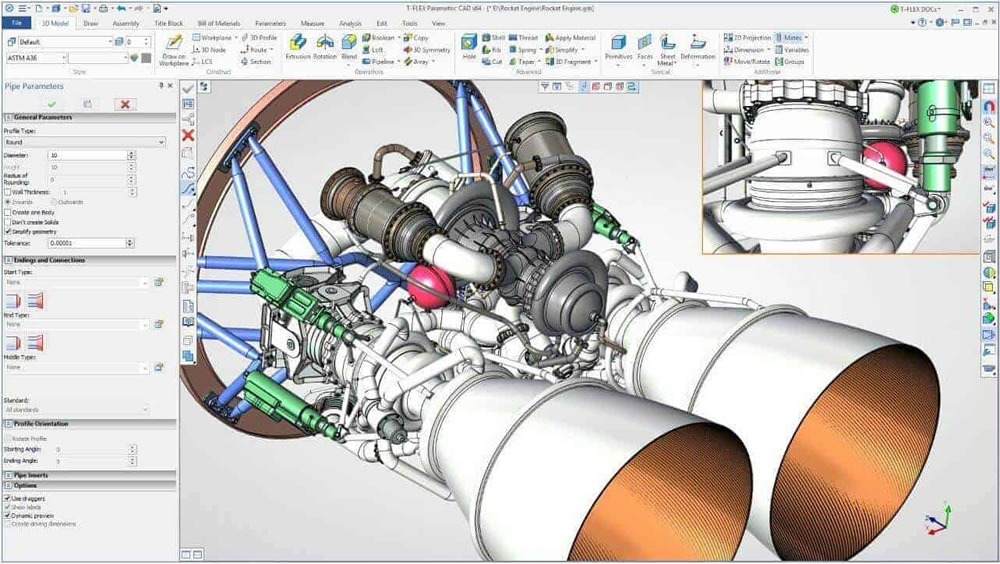
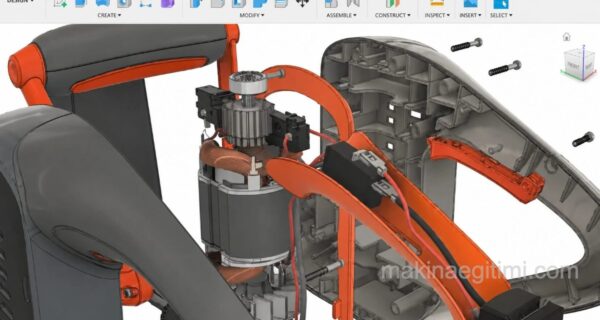
Another important advantage of computer-aided design is the ability to create 3D drawings and assemble parts drawn by separate individuals or teams. It is possible to simulate the motion of an assembled moving machine with animation.
You cannot create a true 3D drawing using manual methods. At best you can draw perspective images that merely look three-dimensional. You cannot view the part you’ve drawn from different angles, from below or above.
Improved accuracy
There is no doubt that the kind of accuracy CAD software offers can never be achieved by choosing manual drawing methods. You have tools to measure the precision, skill, and accuracy level of your designs.
Ease of sharing
CAD tools make it easy to save files, store them in a way you can reuse repeatedly, and send them without unwanted issues. You can also send your CAD drawing to a project team member on the other side of the world within minutes, and they can make the necessary corrections and send it back to you within minutes. In fact, thanks to cloud technology, people who are kilometers apart can even work on the same project as if they were in the same workshop — this too is one of the benefits computer-aided design brings.

Stress and strength analysis capability
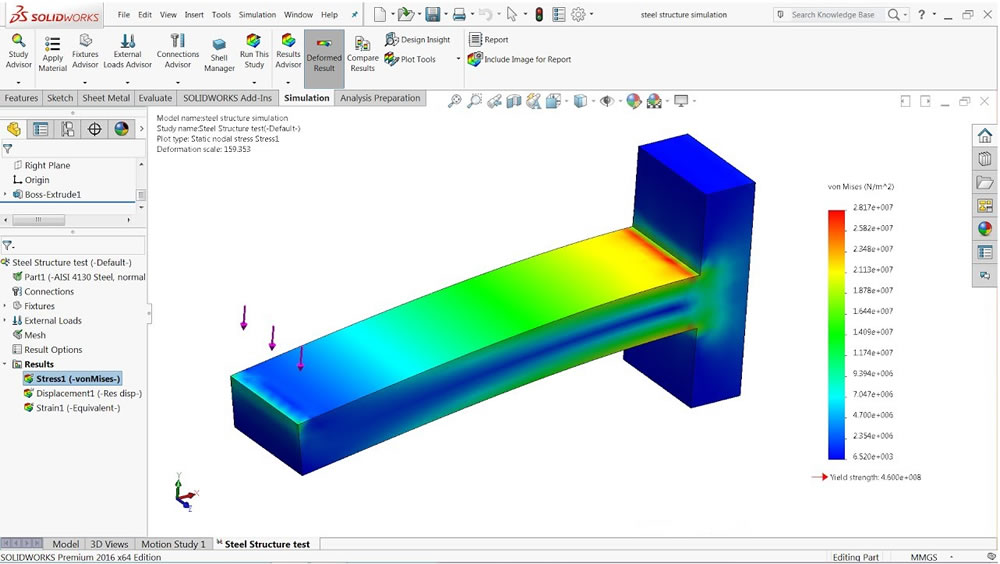
With computer-aided design programs, you can assign material properties (for example, aluminum) to the part you’ve drawn. You can determine the part’s weakest point as a result of a load applied at any point, and whether the applied load would deform the part.
In this article, we covered the advantages of computer-aided design (CAD) software. We looked at how computer-aided drawing and design outperform manual drawing methods. See you in our next articles.
Quick Editing
Thanks to parametric design, CAD software automatically applies dimension changes across the entire model.
Fewer Errors
Computer-aided design significantly reduces measurement and drawing errors compared to manual drafting.
Simulation Capability
CAD software allows a part’s durability to be tested virtually before production.
Related Questions
The software creates dimensions and repeating shapes automatically and consistently, which eliminates the dimension drift or parallelism errors common in hand drawing. Also, a single change is automatically reflected across the entire related drawing.
Instead of redrawing repeating or parallel shapes one by one, these commands automatically create them by duplicating or shifting an existing shape. This provides major time savings, especially with complex, repeating patterns.
Related Posts
 Best Landscape Design Software – Review
  What to Look for When Buying a Flash Drive
  Color Codes Program for Mac OS X. Download Color Picker
  Tips for Speeding Up Windows Startup
  The Best Free CAD Software for 3D Print Design
  Mac OS: Remove Video From Files to Shrink Their Size
  The Best Laptops of 2022
  The Best Free Open-Source CAD Software