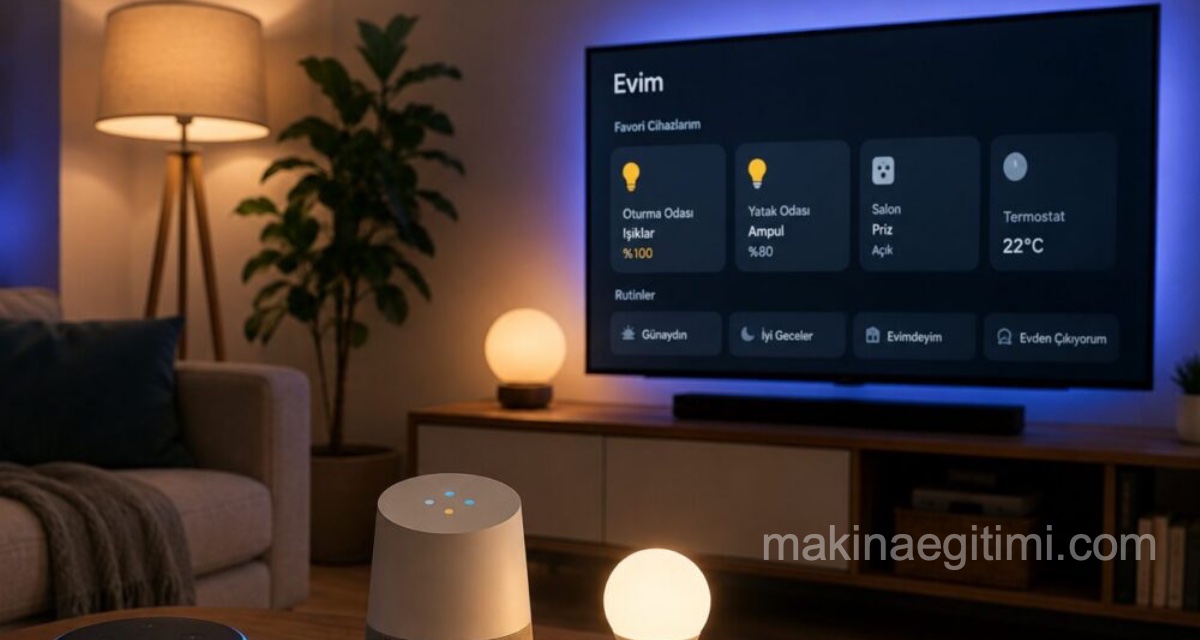
Switching on the lights one by one when the morning alarm goes off, checking the weather, adjusting the heating and trying to remember the day’s appointments adds up to a small but surprisingly costly drain on time and energy for most people. This is exactly where smart home assistants come in. With systems like Google Home and Amazon Alexa, a single command or a specific trigger can set dozens of actions running one after another.
In this article we look at what smart home assistant routines are for, how they are set up, and how much they really simplify daily life.
What Is a Smart Home Assistant Routine?
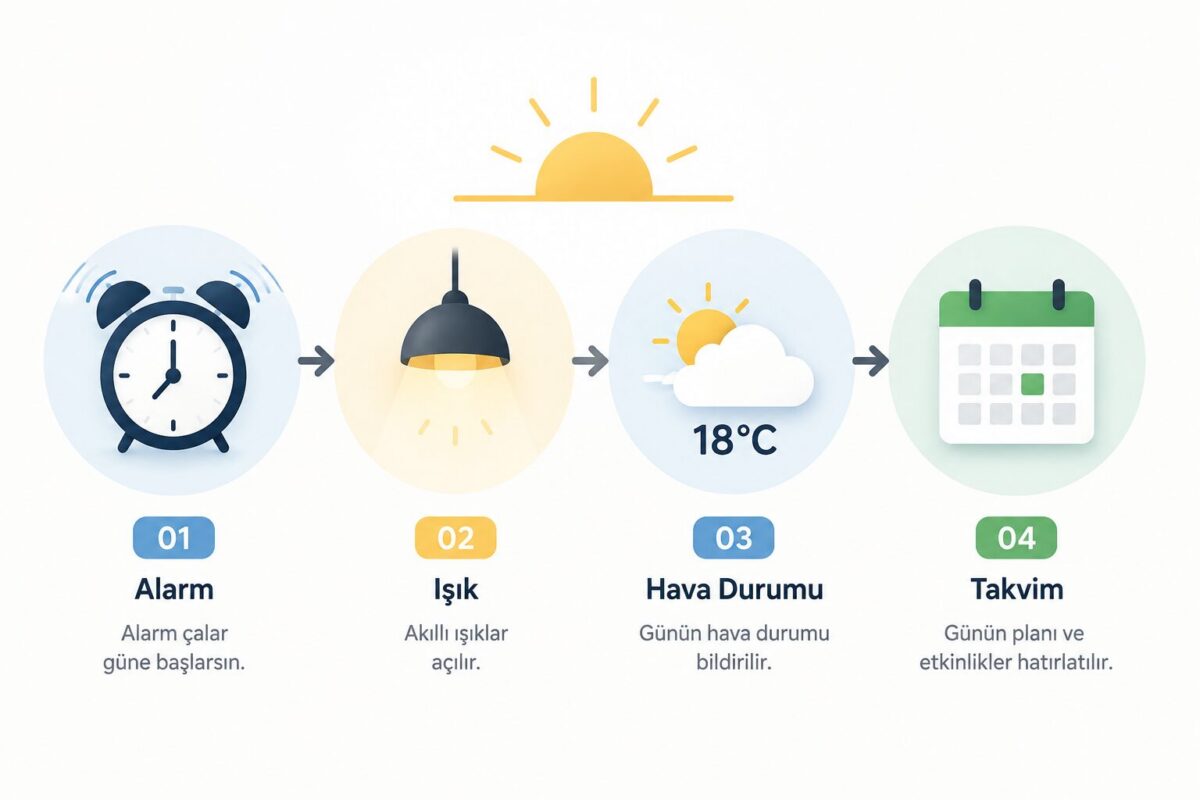
A routine is a type of automation that lets a single voice command or automatic trigger activate several smart devices or actions at once. Say “Hey Google, good morning” and the assistant can turn on the lights, read out the weather, remind you of your first meeting and summarise the news, all at the same time. Instead of issuing commands one by one, a pre-defined scenario takes over.
Routines can work in two ways. They can be triggered manually with a voice command, or they can start on their own based on an automatic condition such as a specific time, a change of location or a device’s status.
Creating a Routine with Google Home
To create a routine through the Google Home app, follow these steps:
Open the Google Home app and go to the “Routines” section from the home screen. From there you create a new routine and add at least one starter and one action. The starter is the event that triggers the routine. It can be a voice command, or a timing condition such as a specific hour or sunset. In the action section you define what happens: lights turning on, the thermostat being set, music playing or a reminder being read out.
Google lets you customise the default routines that ship with the app, such as “Good morning” or “Good night”, but it also lets you delete those presets entirely and work only with your own custom routines. That is a practical option if you want to keep your automation list tidy.
Creating a Routine with Alexa
The logic works much the same way on the Amazon Alexa side. In the Alexa app you go to “Routines” from the “More” menu and add a new routine. Here too you define a trigger (voice command, time of day, device status) and one or more actions tied to it.
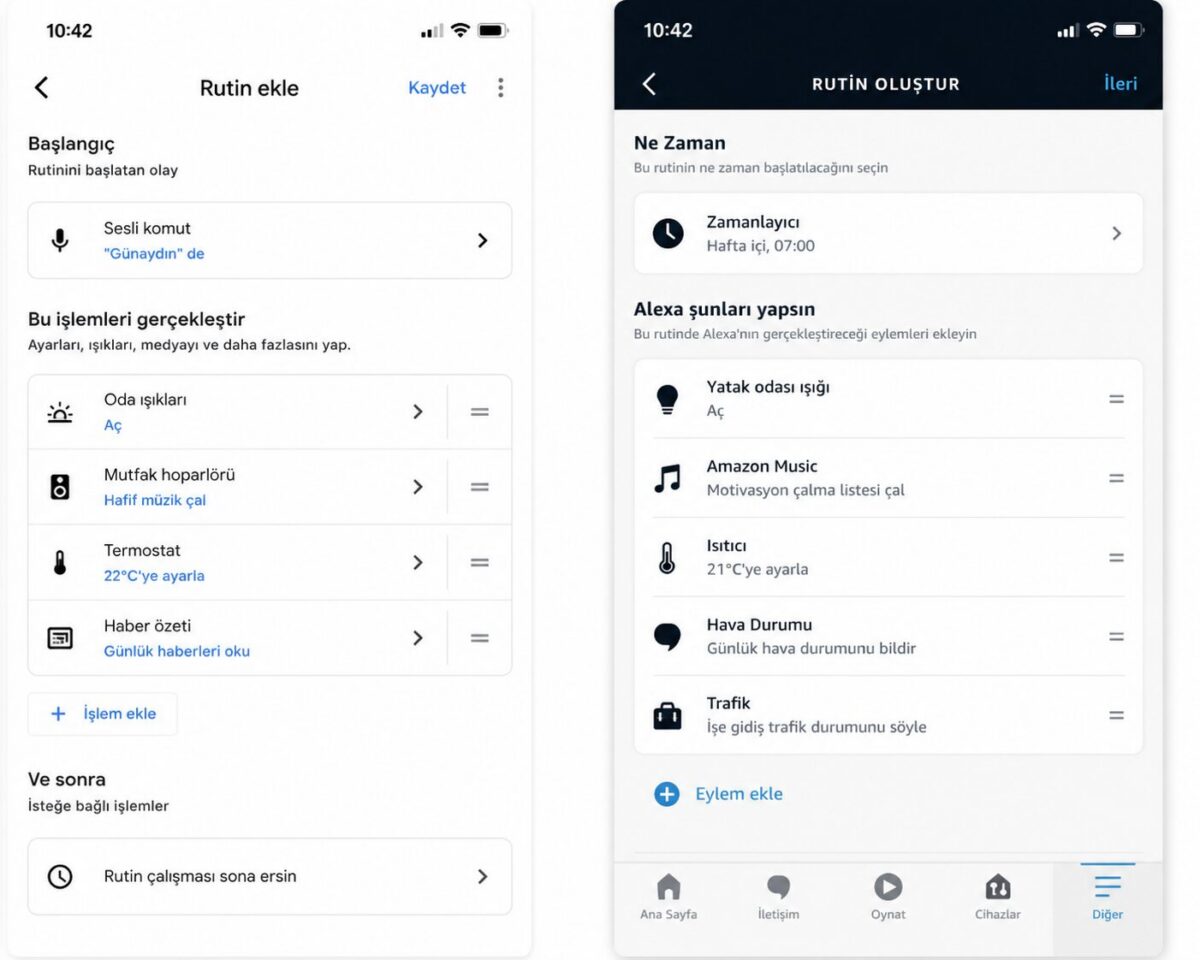
One of Alexa’s strengths is that it can combine devices from different brands, such as smart plugs, bulbs and thermostats, inside a single routine. For example, a location-based trigger can turn the lights on as you walk in the door and play a summary of your day at the same time.
Routine Examples That Actually Help in Daily Life
The scenarios that pay off most when setting up smart home assistant routines usually revolve around repeating daily habits.
A morning routine can slowly bring the lights up when you dismiss your alarm and read out the weather and traffic. An evening routine can switch the lights on automatically when you get home and set the thermostat.
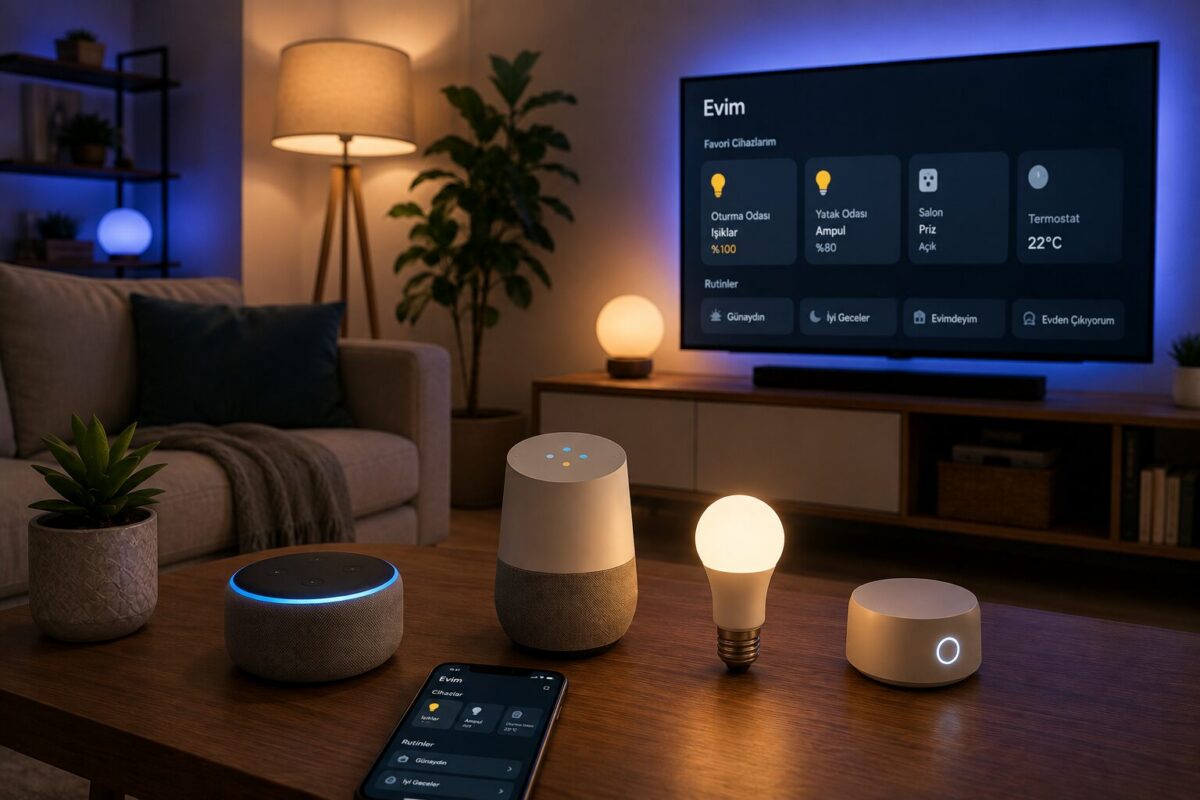
A bedtime routine can turn off every light, check the door locks and arm the alarm with one command. An “away routine” that shuts down all devices as you leave the house is also genuinely useful in terms of energy saving.
Things to Watch Out For
Routines are convenient, but a few points deserve attention. First, be cautious about tying security-critical actions such as unlocking a door into a routine, because a malfunction can have unexpected consequences. Also, if more than one person lives in the household, remember that the routines you create can be seen and changed by the other members of the home.
Recommended Videos
Google Home Ayarları | Rutinlerin Açılması
How to Setup and Customize Google Home Routines

Create Custom Routines for Google Home
Frequently Asked Questions
No, each routine system works within its own ecosystem. Some third-party devices, however, can be compatible with both platforms.
Yes. Most routines run in the cloud, so an uninterrupted internet connection is needed.
Once they are set up, routines can be triggered from a smart speaker or display without a phone. Setting them up and editing them, however, generally requires the app.
Many Wi-Fi or Zigbee based devices with Google Home and Alexa compatibility, including smart bulbs, plugs, thermostats, locks and cameras, can be added to routines.
Related Posts