

When you open a “Private Window” or “Incognito” tab in your browser, the spy-hat icon and dark interface give you a complete sense of invisibility. Google was even sued in the past over this perception, because a large share of users believe incognito mode makes them completely untrackable online. The reality is quite different.
Incognito mode only guarantees one thing: when you close the tab, the browsing history, cookies, and form data from that session are deleted from your device. Everything else works just like a normal tab.
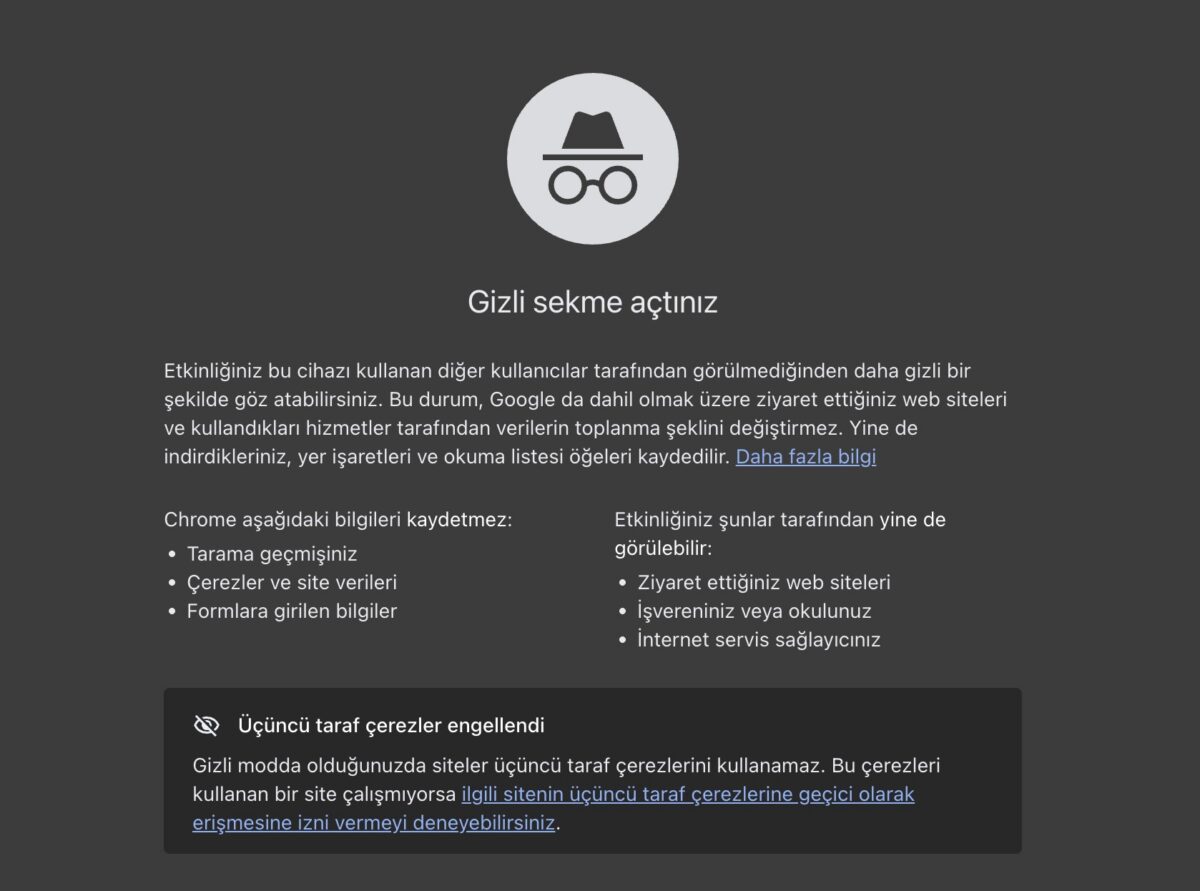
Who Incognito Mode Hides You From
The real purpose of incognito mode is to hide your history from someone else using the same device. For example, it’s useful when you’re searching for a gift on a shared computer and don’t want other family members to see your search history. Once you close the tab, those searches don’t show up in the browser history.
Who Incognito Mode Doesn’t Hide You From
Your internet service provider. The sites you visit still pass through your provider’s servers, even in incognito mode. Your traffic remains visible to them.
Your workplace or school network. When you connect through a company or school Wi-Fi, the network administrator can monitor which sites you visit. Incognito mode doesn’t stop this kind of monitoring.
The websites you visit. When you go to a site, that site still sees your IP address and can identify you. If you’re logged into an account, every action you take through that account is recorded normally.
Files you download. A file you download in incognito mode stays on your computer even after you close the tab.
Malicious software. Incognito mode doesn’t provide any extra protection against viruses or phishing attacks. If you land on a fake site and share your information, being in incognito mode won’t protect you.
So What Should You Actually Do for More Private Browsing
If your goal is simply to hide your history from other people using the same device, incognito mode is enough. But if you want to hide your traffic from your internet service provider or from the sites you visit, you need a different tool.
Using a VPN encrypts your traffic and routes it through another server, making it harder for your service provider to see which sites you’re visiting. It also provides extra security on public Wi-Fi networks.
Tor Browser, on the other hand, routes your encrypted traffic through multiple servers, making your identity even harder to trace, but it’s slower than a VPN for everyday use.
Incognito mode, VPNs, and Tor are not interchangeable tools. Incognito mode clears your local history, a VPN encrypts your traffic, and Tor adds an extra layer of anonymity. Which one you need depends on what you want to hide, and from whom.
Frequently Asked Questions
Yes, if you’re connecting through a company network, the network administrator can see which sites you visit. Incognito mode only affects the local record on your device, not network traffic.
Yes, the logic is the same. It’s called “Incognito Tab” in Chrome on Android and “Private Browsing” in Safari on iPhone, and it’s subject to the same limitations.
Partially. Since cookies are deleted when that session ends, a site may not recognize you on your next visit, but the sites you visit within the same session can still track your behavior.
Using a VPN is legal in Turkey, though some content or activities accessed through a VPN may be subject to separate legal evaluation.
Related Posts
 How to Get Rid of Spam Without Ever Changing Your Email Address
 Was Your Email or Password Stolen? Find Out in 10 Seconds
 There Is a Way to See a Deleted Web Page Again
 The Issue of YouTube Videos Lowering PageSpeed Insights Scores
 How to See Where a Link Really Goes Before You Click
 Your Photos May Be Revealing Your Home Address
 10 Zoom Etiquette Rules You Should Know
 How to Tell If a Photo Is Real or Fake